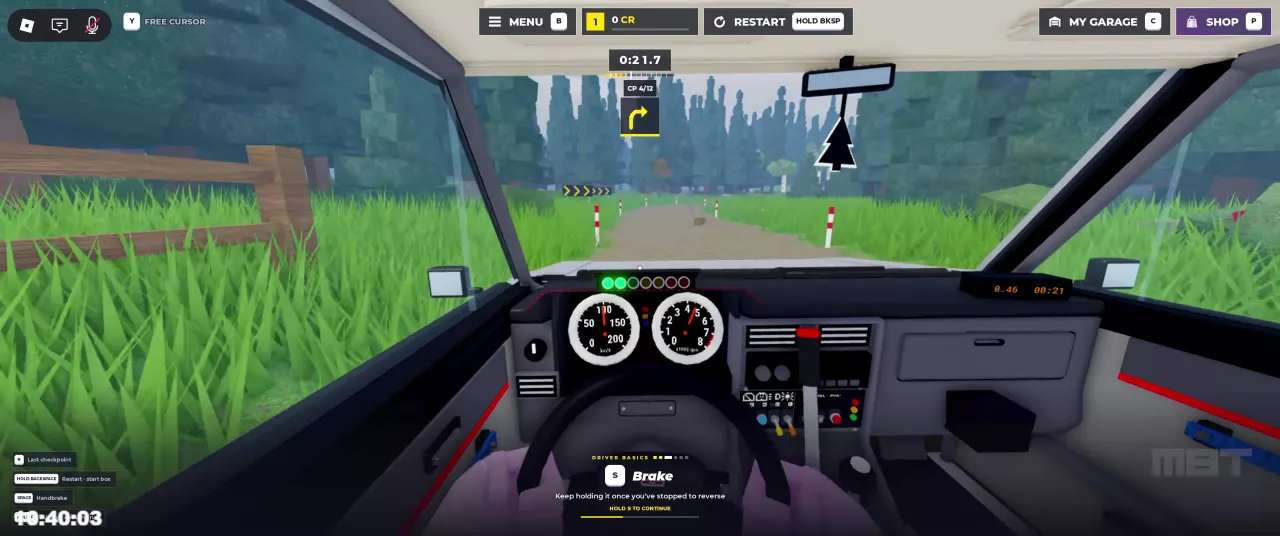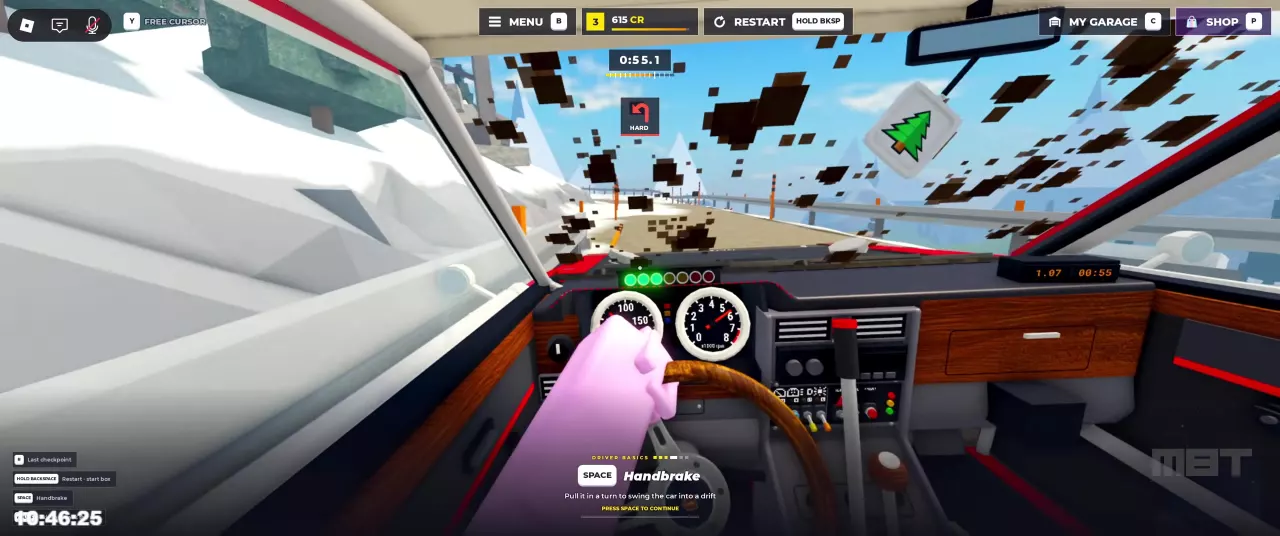
Driving and menu shortcuts
| Key | Action | When to use it |
|---|---|---|
| W | Accelerate | While driving |
| A / D | Steer left / right | While driving |
| S | Brake; keep holding after stopping to reverse | While driving |
| Space | Handbrake | Use while turning to initiate a drift |
| F | Exit the car | When leaving the vehicle |
| Y | Free Cursor | From the driving HUD |
| B | Menu | From the driving HUD |
| V | Race | When the driving HUD shows the Race shortcut |
| C | My Garage | From the driving HUD; see the car and garage guide for changing cars |
| P | Shop | From the driving HUD |
| N | Change handling mode | Between races, while seated in the driver's seat |
| Enter | Confirm the selected option | In menus |
| Backspace | Go back or close | In menus |
In the Play menu, Drive brings out a car, Continue closes the menu and resumes driving your current car, and Free Roam lets you walk around. For handling options and assists, see driving settings.
Recovery keys depend on the current state
| Situation | Key | Result |
|---|---|---|
| A stage is underway | R | Return to the last checkpoint |
| A stage is underway | Hold Backspace | Restart at the start box |
| MISSED THE START BOX is displayed | R, labeled Back to the box | Return to the start box |
| Before the run, with To the start box displayed | Hold Backspace | Return to the start box |
Use the HUD label to distinguish checkpoint recovery from returning to the start. The recovery section explains which action fits each situation.